Over the past few weeks, I’ve been dedicating myself to learning touch typing, exploring the world of modal editors like Vim, and diving into GNU development environments like Emacs.
There’s something magical about using these tools that goes beyond mere productivity—something you hear about often but rarely experience firsthand. For me, they represent the last bastion of flow state, which has been completely disrupted by the arrival of AI agents. I’m hoping to rediscover that flow, at least within the boundaries of my personal projects. Maybe I’ll write a post about this someday.
Anyway, since I developed my own syntax theme a while back, I felt it was only right to port it to Emacs, given that I’m using it more and more.
Installation
To install the theme, follow these steps:
-
Visit the Nur Emacs repository and download the theme files from the
themesfolder (nur-dark-theme.eland/ornur-light-theme.el) -
Copy the downloaded files into a directory of your choice, for example
~/.emacs.d/themes/ -
In your Emacs init file (e.g.,
init.el) or in your.emacsfile, add the directory tocustom-theme-load-pathand load the theme:
(add-to-list 'custom-theme-load-path "~/.emacs.d/themes/")
;; Replace `nur-dark` with `nur-light` to use the light variant
(load-theme 'nur-dark t)
That’s it! Enjoy the carefully sardinia-inspired warm-toned optimized color palette designed specifically for web development, now available in your favorite editor.
Screenshots
Here’s what the theme looks like in action:
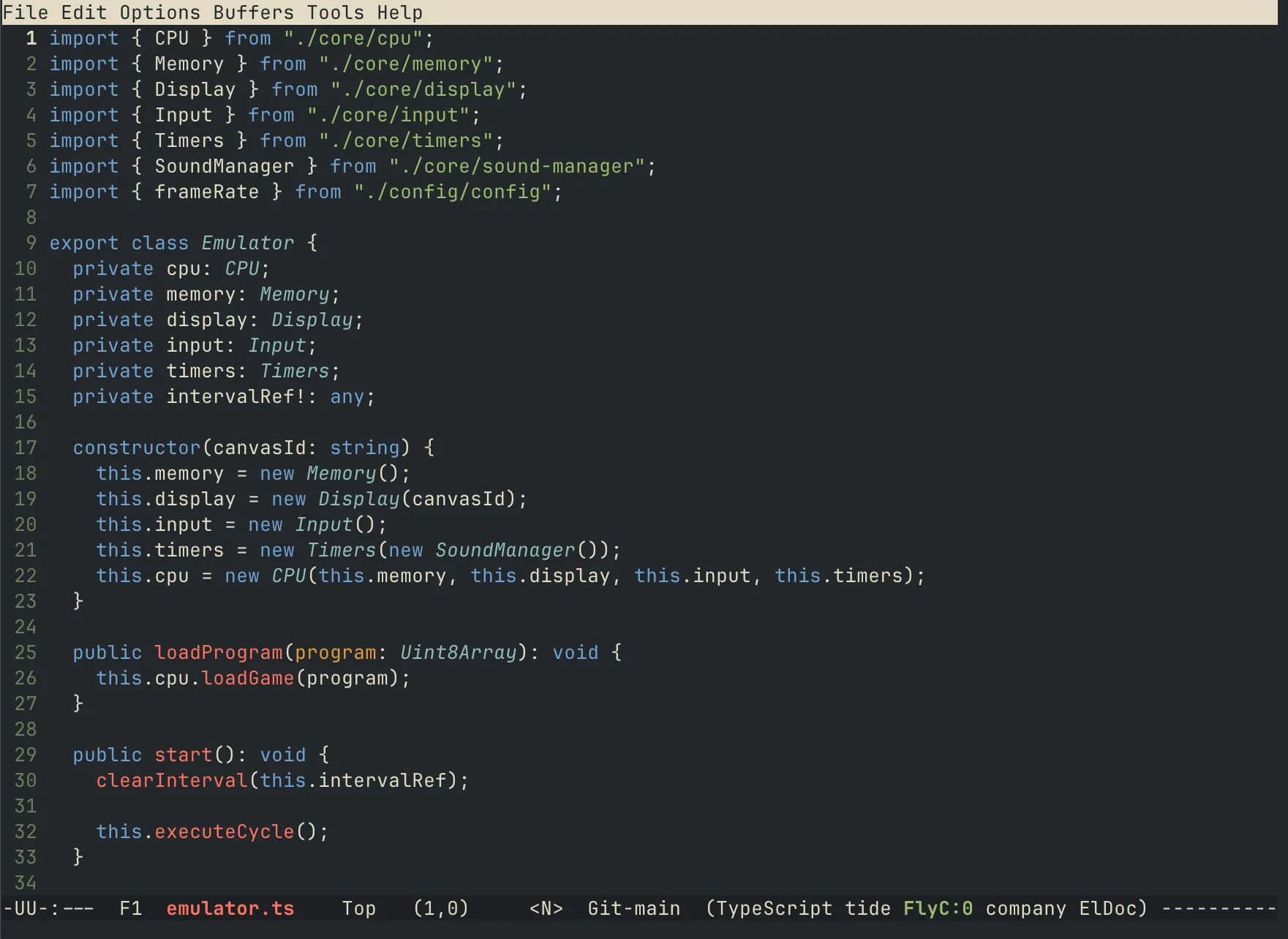 Nur Dark Theme in Emacs
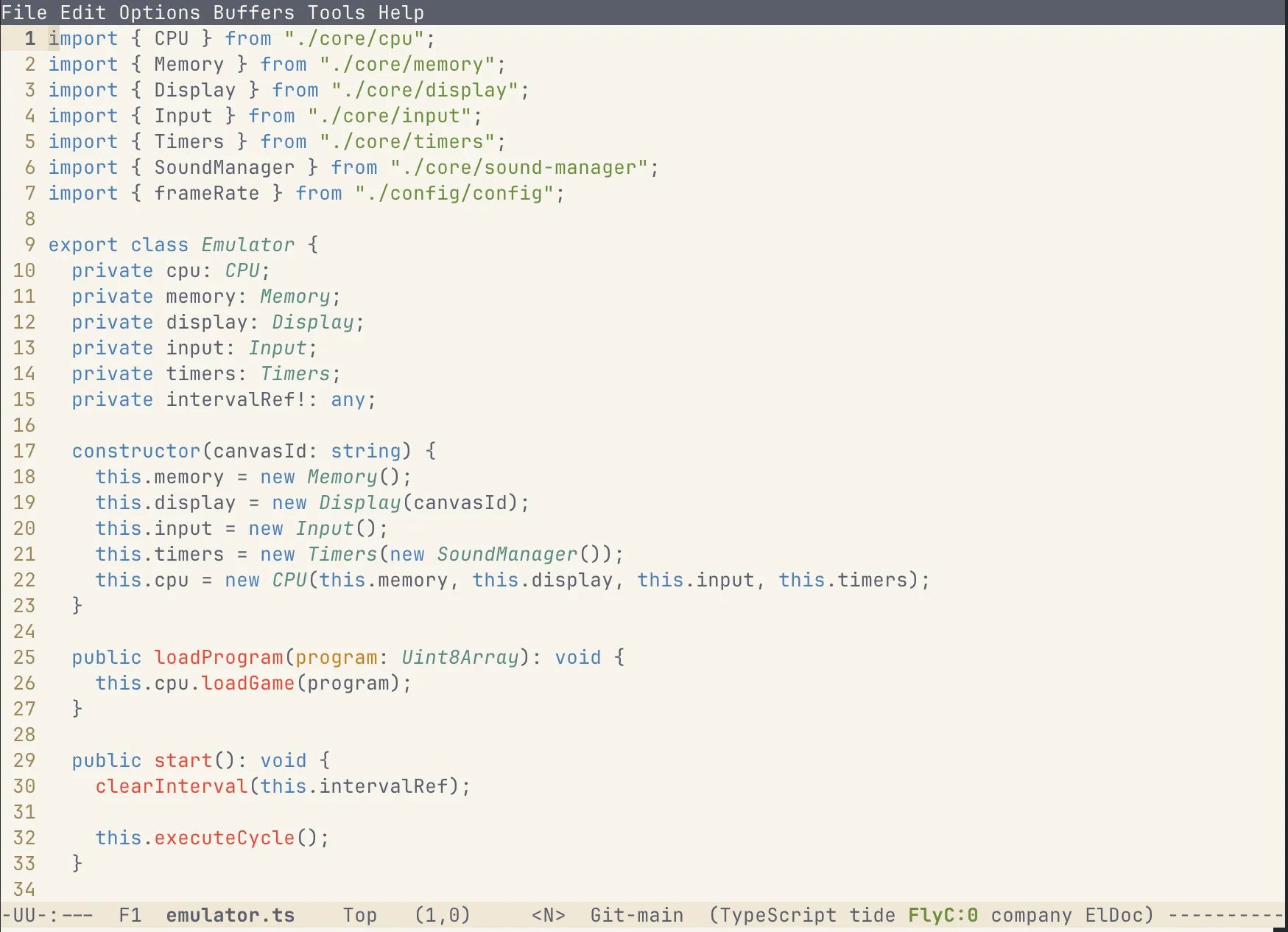 Nur Light Theme in Emacs