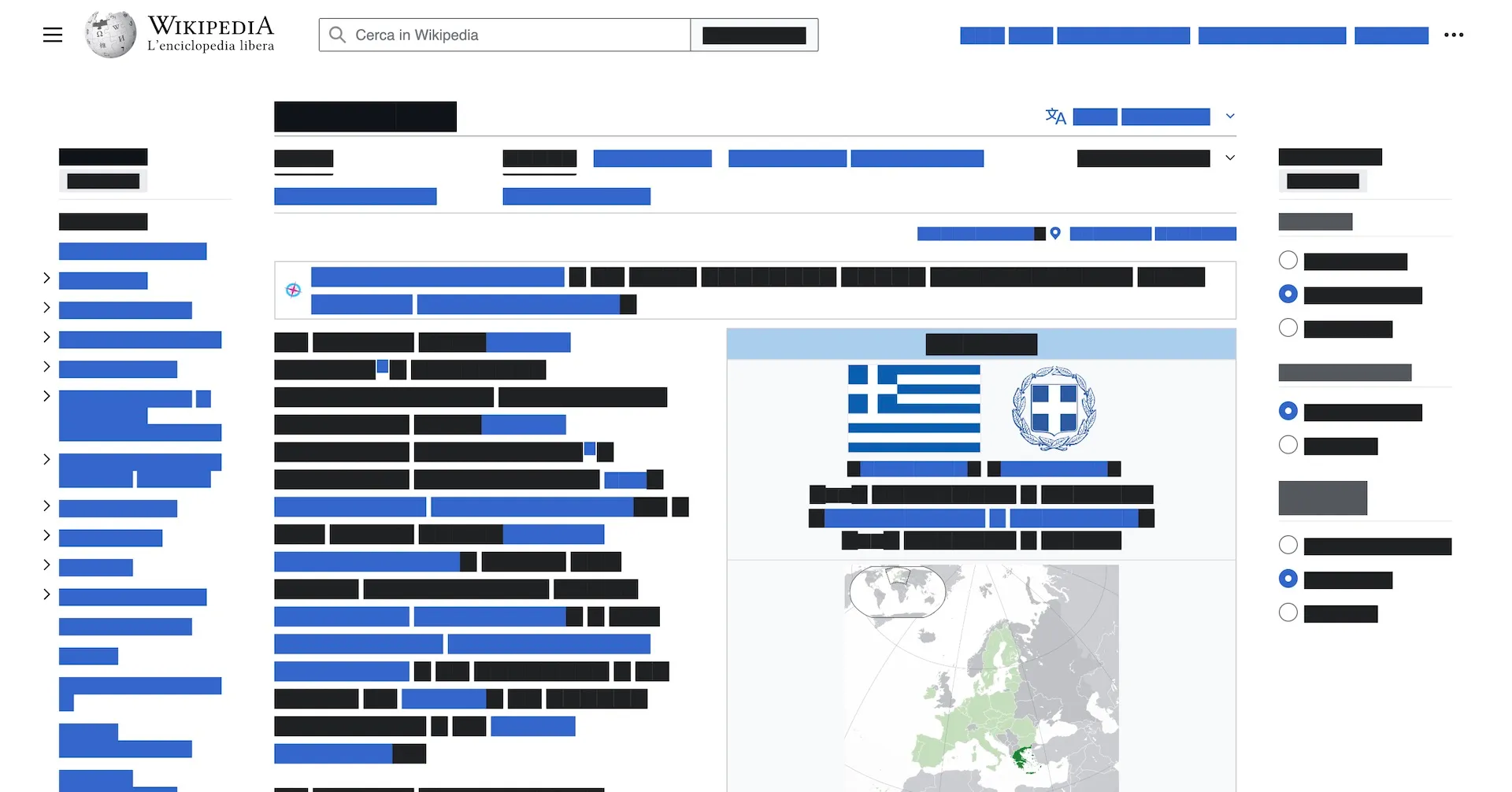
Sometimes it’s helpful to see how a webpage looks without being distracted by the actual content. Whether reviewing design layouts, checking typography, or just focusing on the visual structure, having a way to “greek” the content can be useful.
Greeking is a design term that refers to replacing real content with placeholder text or characters. The term comes from the traditional use of “Lorem ipsum” text, which has been used in typography for centuries. While modern design practices often favor using real content, there are still valid use cases for greeking, especially during early design reviews or when focusing purely on layout and visual hierarchy.
The Script
Here’s a simple JavaScript script that traverses the DOM and replaces all text content with a placeholder character (█):
"use strict";

function isExcluded(elm) {
  if (elm.tagName == "STYLE") {
    return true;
  }
  if (elm.tagName == "SCRIPT") {
    return true;
  }
  if (elm.tagName == "NOSCRIPT") {
    return true;
  }
  if (elm.tagName == "IFRAME") {
    return true;
  }
  if (elm.tagName == "OBJECT") {
    return true;
  }
  return false;
}

function traverse(elm, placeholder = "█") {
  if (elm.nodeType == Node.ELEMENT_NODE || elm.nodeType == Node.DOCUMENT_NODE) {
    // exclude elements with invisible text nodes
    if (isExcluded(elm)) {
      return;
    }

    for (let childNode of elm.childNodes) {
      // recursively call to traverse
      traverse(childNode, placeholder);
    }
  }

  if (elm.nodeType == Node.TEXT_NODE) {
    // exclude text node consisting of only spaces
    if (elm.nodeValue.trim() === "") {
      return;
    }

    // Replace text with placeholder characters
    elm.nodeValue = replaceText(elm.nodeValue, placeholder);
  }
}

function replaceText(text, placeholder) {
  let out = [];

  for (let char of text?.split("")) {
    if (char === " ") {
      out.push(char);
    } else {
      out.push(placeholder);
    }
  }

  return out.join("");
}
How to Use
- Open the webpage to greek
- Open the browser’s developer console (F12 or right-click → Inspect)
- Paste the script and press Enter
- Launch the script by calling
traverse(document, "█")
The script can be used to replace the placeholder character with different characters:
// Use dots instead
traverse(document, "•");

// Use X's
traverse(document, "X");

// Use a custom character
traverse(document, "▢");